No longer allowing simultaneous connections

Advertisement

ChuckT
Joined:
Posts:
8
Location:
Overgaard, AZ

No longer allowing simultaneous connections

Good evening.

I have checked everything I can think of to no avail.

When I 1st started using WinSCP a few weeks ago, it was allowing up to the 9 simultaneous connections I tell it to expect.

I took a few days off, and when I came back to working, I no longer get more than one connection. No configuration options were changed to the amount of simultaneous connections allowed.

I connect to the exact same host using the same credentials via FileZilla, and I can do 10 simultaneous transfers / connections at the same time.

No matter what I check, I can't seem to find what would have changed / been tweaked to result in no longer allowing 9 simultaneous connections even though setup.

Anyone have any ideas to share?

Reply with quote

Advertisement

ChuckT
Joined:
Posts:
8
Location:
Overgaard, AZ

Re: No longer allowing simultaneous connections

Good morning, Martin.

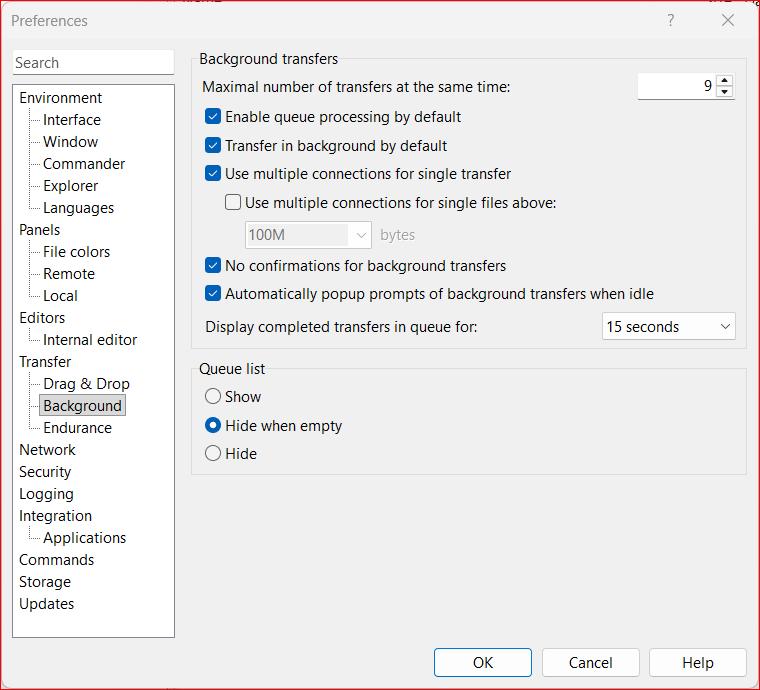
No matter what I do, I cannot get simultaneous transfers to work. They used to work for background transfers and synchronizations.

Just up and no more for some reason.

Description: Showing the configuration selections for background transfers.

Background_Config.png

Description: Snippet showing the Background Transfer Connections. There are approximately 50 files in this folder.

Transfers.png

Reply with quote

martin
Site Admin
martin avatar
Joined:
Posts:
42,847
Location:
Prague, Czechia

Re: No longer allowing simultaneous connections

Your screenshot shown just one entry in the queue.
So I assume you question is about the "Use multiple connections for single transfer" (rather than "transfers at the same time"). Is that correct?

The "Use multiple connections for single transfer" functionality has some constraints. See the footnote at:
https://winscp.net/eng/docs/ui_pref_background#fn1

Reply with quote

ChuckT
Joined:
Posts:
8
Location:
Overgaard, AZ

Re: No longer allowing simultaneous connections

martin wrote:

Your screenshot shown just one entry in the queue.
That directory that it was transferring from had over 500 jpg's in it. I was displaying that as an example where that used to do 9 connections at a a time for a directory like that, but now, just does the one.

So I assume you question is about the "Use multiple connections for single transfer" (rather than "transfers at the same time"). Is that correct?
Negative, and I apologize if I am explaining incorrectly.

Let's say I initiate a transfer that has 10 sub folders, and 100 files under each of those folders. I would expect WinSCP (as it was doing previously before stopping), to simultaneously transfer 9 files at a time, until all files have been transferred.

And you know what, while typing this message, I just remembered I downloaded and installed the latest Beta version of WinSCP (v6.6.1 Build 17216 2026-04-01) to use it and report bugs. Maybe this is one?

I will go ahead and uninstall the Beta and reinstall the Stable and report back.

Reply with quote

Advertisement

ChuckT
Joined:
Posts:
8
Location:
Overgaard, AZ

Re: No longer allowing simultaneous connections

ChuckT wrote:

And you know what, while typing this message, I just remembered I downloaded and installed the latest Beta version of WinSCP (v6.6.1 Build 17216 2026-04-01) to use it and report bugs. Maybe this is one?

I will go ahead and uninstall the Beta and reinstall the Stable and report back.

Ok, that didn't do anything. Still Xfering one file at a time. The folder I selected is over 3GB in size (see attached s/s), and over 11,000 individual files.

For now, when I have to transfer a lot of files, I just use FileZilla then go back to WinSCP. However, it would be nice to just use the one and done. :-)

Thanks for the assistance!

Description: Showing the size of the directory currently trying.

dir_size.png

Reply with quote

martin
Site Admin
martin avatar
Joined:
Posts:
42,847
Location:
Prague, Czechia

Re: No longer allowing simultaneous connections

ChuckT wrote:

Let's say I initiate a transfer that has 10 sub folders, and 100 files under each of those folders. I would expect WinSCP (as it was doing previously before stopping), to simultaneously transfer 9 files at a time, until all files have been transferred.
That's what "Use multiple connections for single transfer" is about.
Please post a log file.

Reply with quote

ChuckT
Joined:
Posts:
8
Location:
Overgaard, AZ

Re: No longer allowing simultaneous connections

Attached is a log file. Strictly set up to upload 100 jpg files with 9 sessions enabled in the config, but only sent one at a time. I stopped it at 100 so at least you had that many transfers.

Let me know what you find, thanks!
Description: Transfer log

Reply with quote

martin
Site Admin
martin avatar
Joined:
Posts:
42,847
Location:
Prague, Czechia

Re: No longer allowing simultaneous connections

As I've pointed above the "Use multiple connections for single transfer" functionality has some constraints:
https://winscp.net/eng/docs/ui_pref_background#fn1
In your case, the constraint that steps in is:
Multiple connections are not used, ... when preserving timestamps of directories is enabled.
You can disable it in preferences:
https://winscp.net/eng/docs/ui_pref_transfer
https://winscp.net/eng/docs/ui_transfer_custom

Reply with quote

Advertisement

ChuckT
Joined:
Posts:
8
Location:
Overgaard, AZ

Re: No longer allowing simultaneous connections

martin wrote:

In your case, the constraint that steps in is:
Multiple connections are not used, ... when preserving timestamps of directories is enabled.
Damn it.. I use that for the Synchronize function that I run numerous times a day.

The timestamps is a lot more ... accurate than the size comparison...

Reply with quote

martin
Site Admin
martin avatar

Re: No longer allowing simultaneous connections

It might be misunderstanding. This is about directory timestaps only. The directory timestamps are never used for synchronization.

Reply with quote

ChuckT
Joined:
Posts:
8
Location:
Overgaard, AZ

Re: No longer allowing simultaneous connections

Thank you for throwing the glass wine bottle at my head so hard it broke. That's what was needed! I don't know what it was, but the way you just stated that...

I unchecked the Directory option and did a test for the Sync, and it showed the three files that were changed overnight, and sync'd no problem. Then I grabbed a folder with over 700 files in it and what do you know – 9 simultaneous connections.

I don't remember going back in and checking that, so I do apologize! Thanks for the assistance.

PS: Using Beta v6.6.1

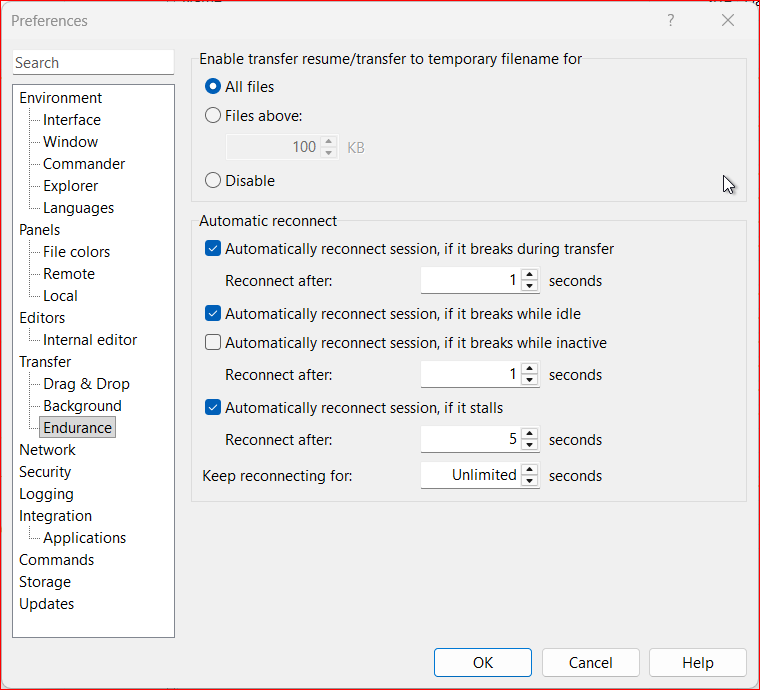
Description: Endurance Settings

.endurance.png

Description: Transfer Settings

.settings.png

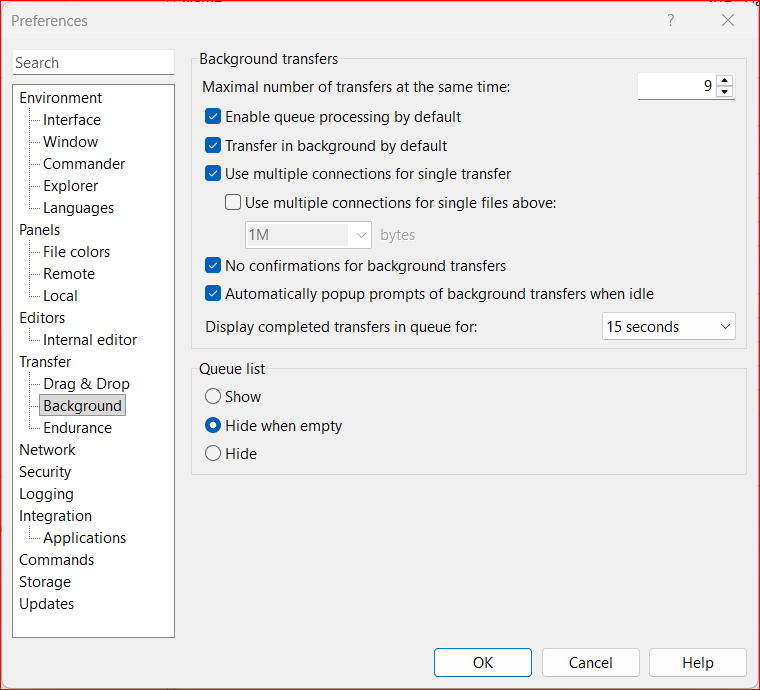
Description: Background transfer settings.

.background.png

Reply with quote

Guest

Multiple connections are not used, ... when preserving timestamps of directories is enabled.
This could seriously use a text warning, gray out disablement of the setting, or a forced change to 1 there at background transfers. Or something similar.

It makes zero sense to show eg 9 connections and then otherwise having it limited to 1. This threw me off as well but I didn't care to look into it. The UI shows one thing but another thing happens. It will confuse a lot of people.

:)

Reply with quote

Advertisement

martin
Site Admin
martin avatar
Joined:
Posts:
42,847
Location:
Prague, Czechia

If it were that straightforward as when preserving directory timestamps disabled multiple connection altogether, WinSCP would definitely display visual feedback. But the relation is more complicated. The transfer settings can be changed per transfer. They can be configured per extension too. It's supported by SFTP only. Etc.

Anyway, I'll look into adding some warning.

Reply with quote

Advertisement

You can post new topics in this forum