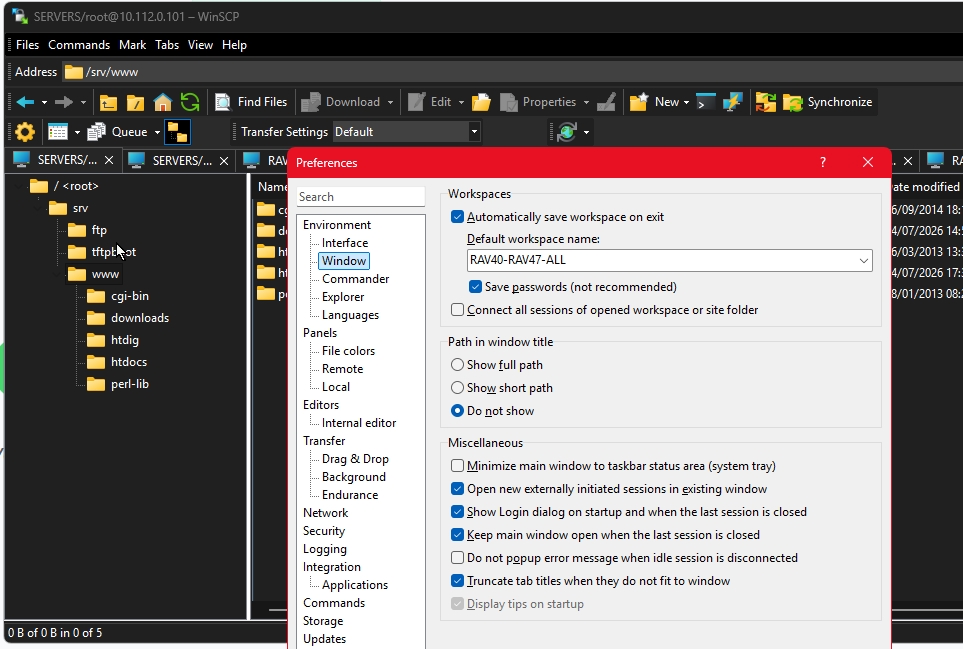
I have to admit that I don't even know what this settings should do. Somebody suggested to set it off to make more space I guess on tab for the server name without the path. But it does not work.
Clear now, I was in wrong how I put the problem on the table. What we actually want is tab titles as short as possible, which is the server name. There is:
WinSCP Folder path (the virtual folder structure where my servers are saved). What we want is to not show it
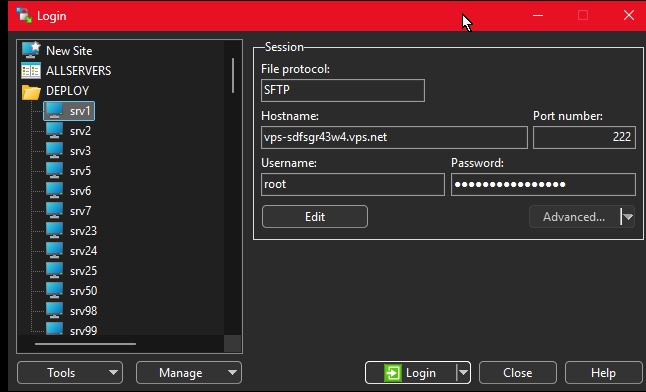
And the login name @ server's hostname vs the short name given in WinSCP. What we want is to display the short name not the full user@hostname.
So COMPANY/SERVERS/DEPLOY/root@vps-sdfsgr43w4.vps.net will simply become : srv1 and displayed on the tab. Having many tabs we will see all name even when opening 30 tabs, if i give really shor names: srv1 srv2 ... or even shorter: 01 02 03 04 ....